Fancy Cafe AI Video

Your First Time in a Fancy Cafe AI Video

Put You & Your Bestie Into the Viral Café Moment.
Upload 2 photos. Get your own 21-second viral video with original scene audio.

2 photos · 1 cafe scene · Original audio
Fancy Cafe AI Video Photos → cafe scene

Make Your Fancy Cafe AI Video

Add two photos — one for each cafe role — and generate your scene in three steps.

01 Cast your cafe scene 2 photos · same price

Photos go straight to the AI rendering service to make your video — never stored.

Photo tips

  • Use one person per photo.
  • Make sure the face is clearly visible.
  • Use good lighting.
  • Avoid sunglasses and group photos.
02 Choose your video settings
9:16 TikTok · Reels · Shorts
Standard · 480p ≈ $5 · 25 credits
HD · 720p ≈ $10 · 50 credits
✓ Original cafe audio ✓ No watermark ⏱ 21 seconds
Generate Fancy Cafe video →

Your video may take a few minutes. Credits from $9.90

Opens the generator on makeyourviral.com — sign-up and credits are handled there.

No app No watermark Failed renders refunded automatically
The short answer

A Fancy Cafe AI video drops the people in your photos into the viral "first time in a fancy cafe" moment — the wall-table mix-up, the coffee set down, the awkward-but-funny seat swap — with the scene audio included.

  • 21 seconds
  • 9:16 vertical
  • 2 photos in
  • Scene audio included
Independent creative tool · See how it works →

From photos to your cafe scene

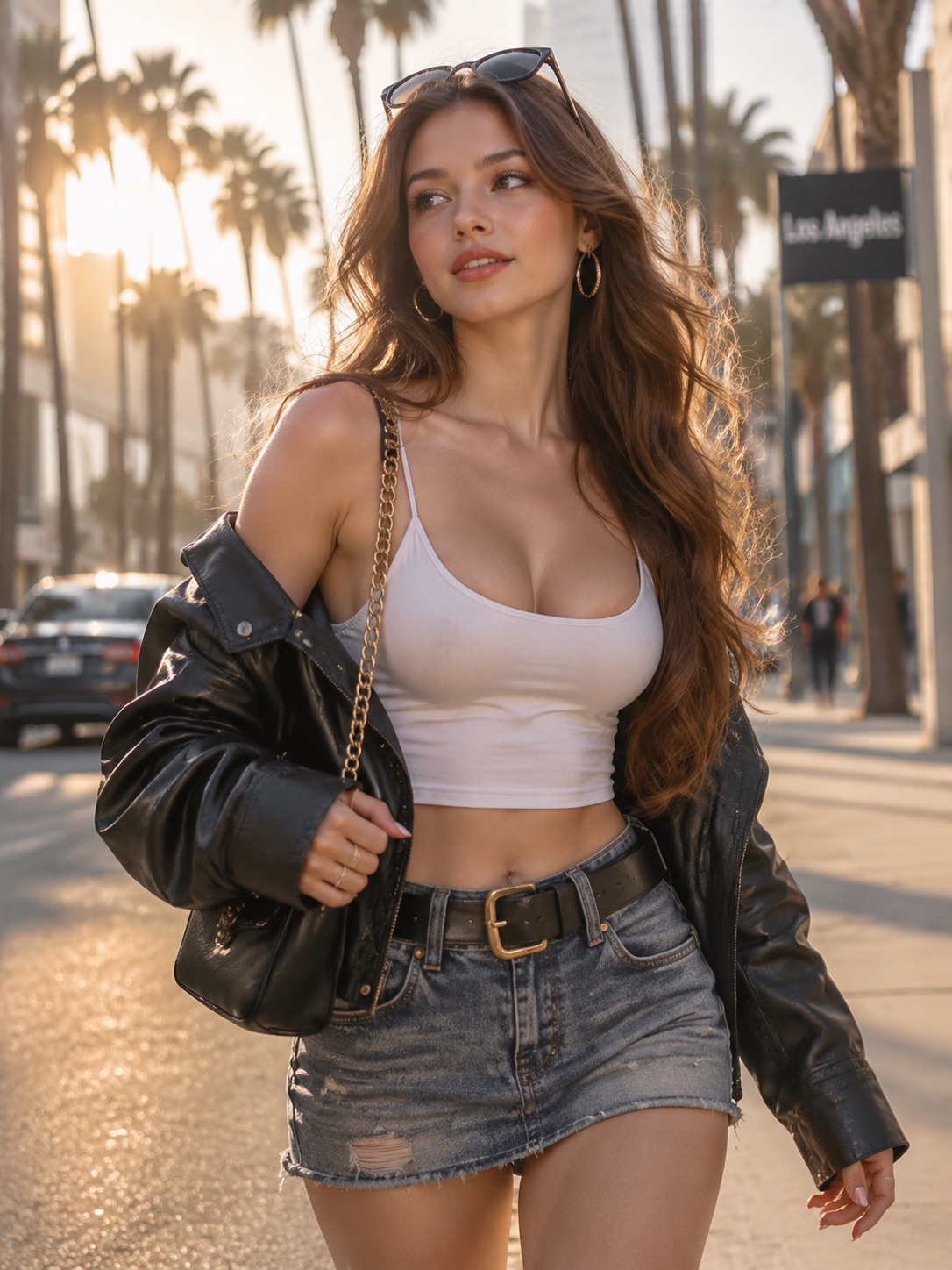
A real example: two separate photos in — one per role — one finished viral video out, with the scene audio.

Photo 1 — The seated visitor Photo 1 · The seated visitor
Upload
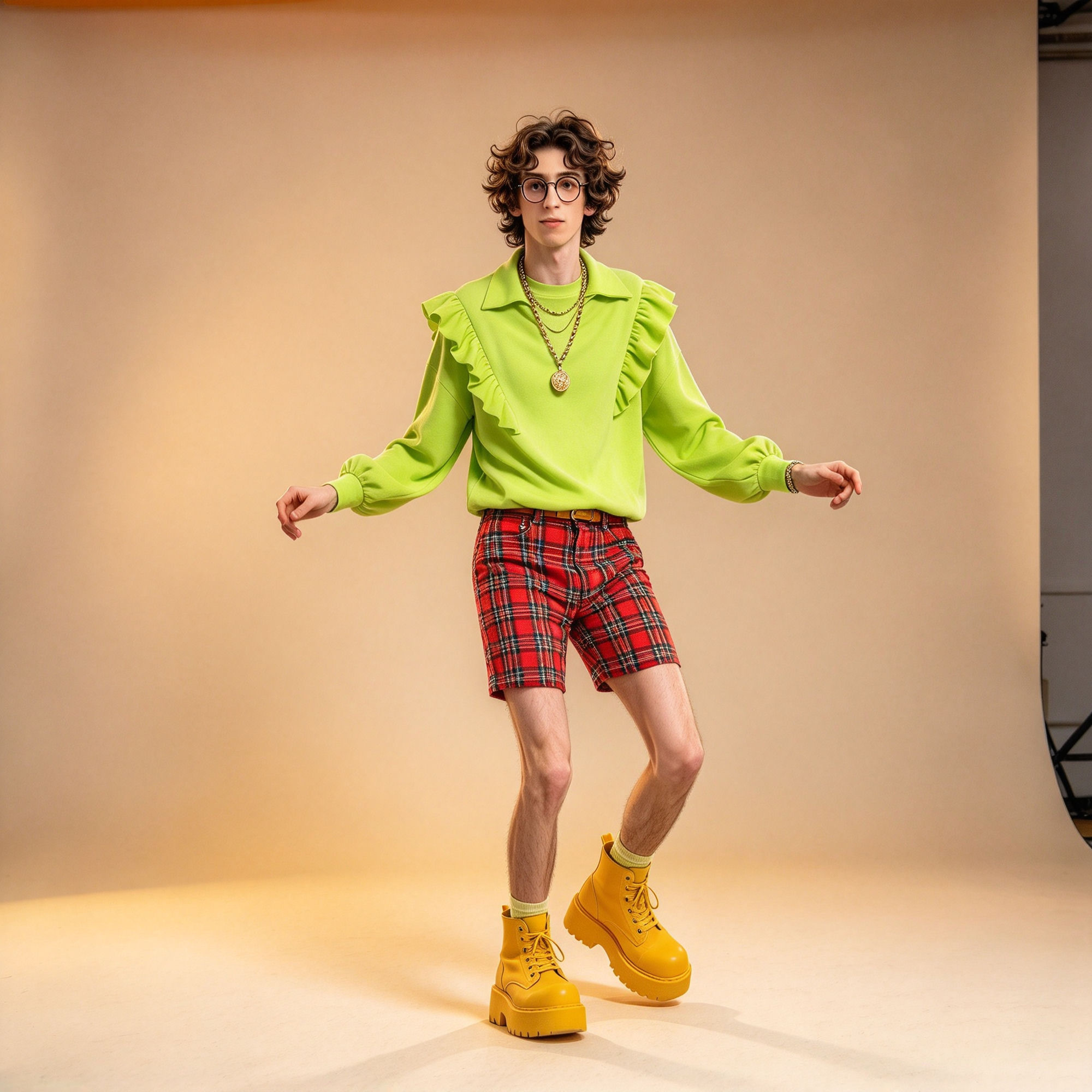
Photo 2 — The arriving friend Photo 2 · The arriving friend
Upload
→
Become
The finished video 21s · 9:16 · original scene audio

Your Photos. Your Cafe Scene.

Built for creators who want the trending format without filming a thing.

  1. 01

    Add 2 photos

    One for the seated visitor (left) and one for the friend who walks in (right) — both roles are required.

  2. 02

    Pick quality

    480p or 720p HD, vertical 9:16 for TikTok, Reels and Shorts.

  3. 03

    Generate and share

    Your cafe scene arrives as a watermark-free MP4 with the audio merged — ready to post.

Frequently asked questions

Everything about making your own Fancy Cafe AI video.

What is a 'Your First Time in a Fancy Cafe' AI video?

It is a short AI video format based on the viral 'POV: your first time in a fancy cafe' moment: a visitor mistakes a small wall table for a seat, a companion walks in and sits beside them, and the visitor notices and changes seats — recreated with the people from your photos.

How do I make a Fancy Cafe AI video?

Two photos are required — one for each role: Photo 1 is the seated visitor and Photo 2 is the arriving friend. Pick your quality and generate. The scene runs 21 seconds in vertical 9:16 with the cafe audio included.

Do I need two photos?

Yes — the scene has two cafe roles, so two photos are required: one for the seated visitor on the left and one for the companion who walks in from the right. Each photo should show one person clearly.

What photos work best?

A sharp, well-lit photo of one person per role. Keep the face easy to see and include the head, shoulders and upper body so the person and their clothes read clearly. For a group image, crop a copy around the person you want to use.

Does my video include sound?

Yes. The downloaded MP4 includes the cafe scene audio merged into the video — ready to post as-is.

How long does it take?

A few minutes. Your video appears on the generator page while you wait and is saved to My videos — you can close the tab and come back.

How many credits does a video cost?

A 480p render costs 25 credits and a 720p HD render costs 50 credits. Credit packs are one-time purchases and failed renders are refunded automatically.

Can I post it on TikTok or Reels?

Yes — download the watermark-free vertical MP4 (21s, 9:16) and post it directly, or add platform captions on top.

Can I use any person?

You can use photos of people, animals, cartoons or characters you have permission to use. Get everyone's agreement before creating or sharing, and never upload real public figures or celebrities.
Your Cafe Scene Starts Here.

Your photos. One cafe. One viral moment. Make one and send it to the group chat.

Generate AI video

Upload a photo to get started.